
Dispatch the emergency, text you're on the way, invoice from the truck.
Get the right plumber to a burst pipe fast, keep the customer posted without stopping to call, and send the invoice before you've packed up. All in the language of plumbing.
14-day free trial · No credit card required
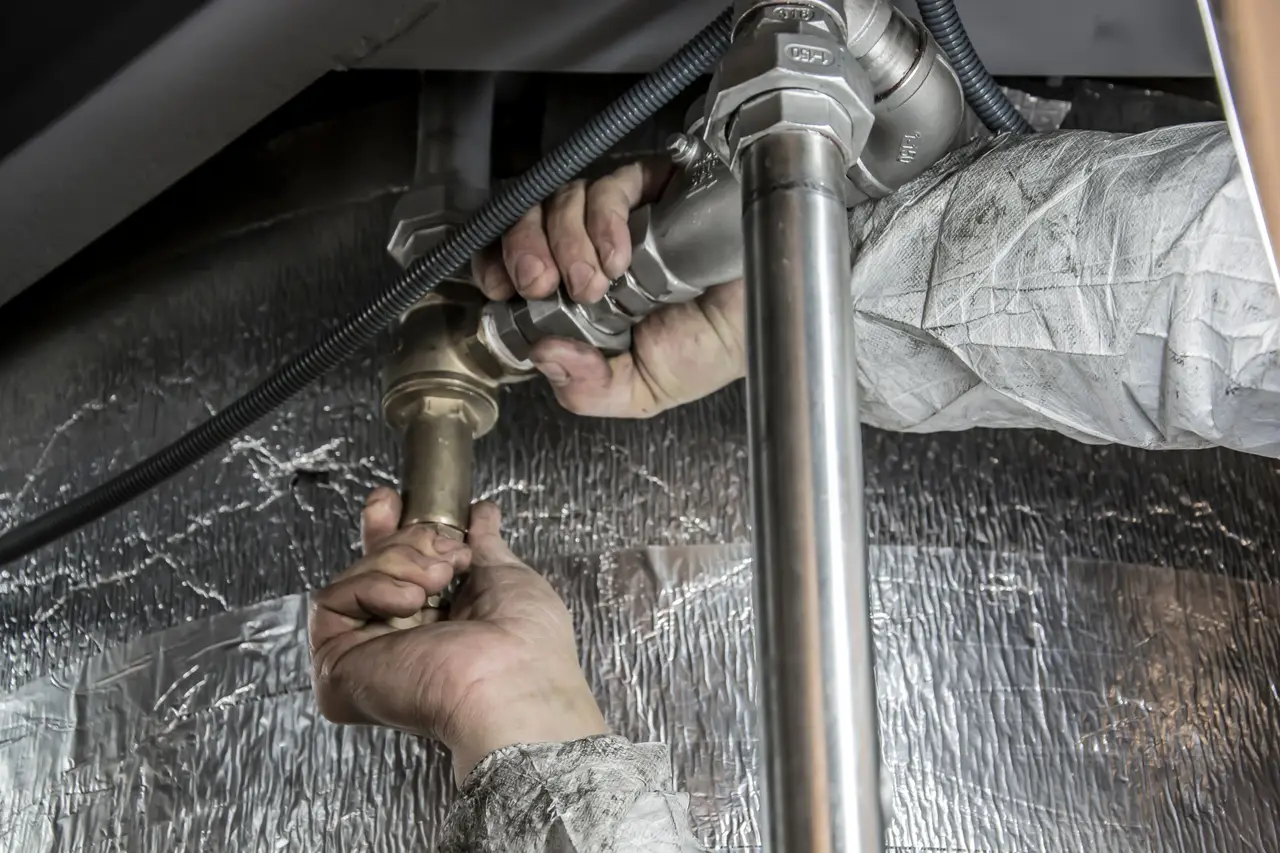
What a burst-pipe call does to your whole day.
-
An emergency lands at 7am and you're scrambling to figure out who's closest and free, while the customer's basement fills with water.
-
You'd text the customer you're fifteen minutes out, but you're driving, so they call the shop twice wondering if anyone's coming.
-
The repair's done, but the invoice waits until you're back at the desk that night, and a paper slip in the truck gets forgotten.
From the emergency call to payday, one repair at a time.
-
1Estimates & Quotes
Diagnose the problem, price the repair right there at the sink, and get the customer's yes before you turn a wrench.
-
2Scheduling
See who's closest and open, dispatch the call to them, and keep the booked repairs on the same calendar so nothing slips between emergencies.
-
3Customer Management
Pull up the home's shutoff location, water-heater model, and last service on your phone, fix it, and log what you did against that property.
-
4Invoicing & Payments
Wrap the job and send the invoice from the truck, card on the spot or a pay link, so a Saturday emergency is paid before Monday.
-
5Team & Payroll
On-call, hourly, and overtime hours for your crew total themselves, so weekend emergency pay comes out right without you doing the math.
Everything a plumbing business runs on.
Scheduling
See who's closest and free, dispatch the emergency in a tap, and keep booked repairs on the same calendar so nothing gets buried under the urgent calls.
Learn moreInvoicing & Payments
Invoice from the truck the second the repair's done, take a card on the spot or send a pay link, instead of billing from the desk that night.
Learn moreClient Portal
Customers get a private link to approve the repair, pay the invoice, and see the visit history, no phone tag over what was fixed and what it cost.
Learn moreCommunication
Automatic 'on our way' texts go out the moment you dispatch, so the customer stops calling the shop to ask if a plumber is still coming.
Learn moreWorknizer talks like a plumber.
Worknizer sets up around the words your shop already uses, so the app reads like a plumbing business, not generic 'job management' software.
- Jobs Service calls
- Customers Homeowners
- Team Crew
Plumbing questions, answered.
Run your plumbing business, not the paperwork.
14-day free trial · No credit card required · Cancel anytime